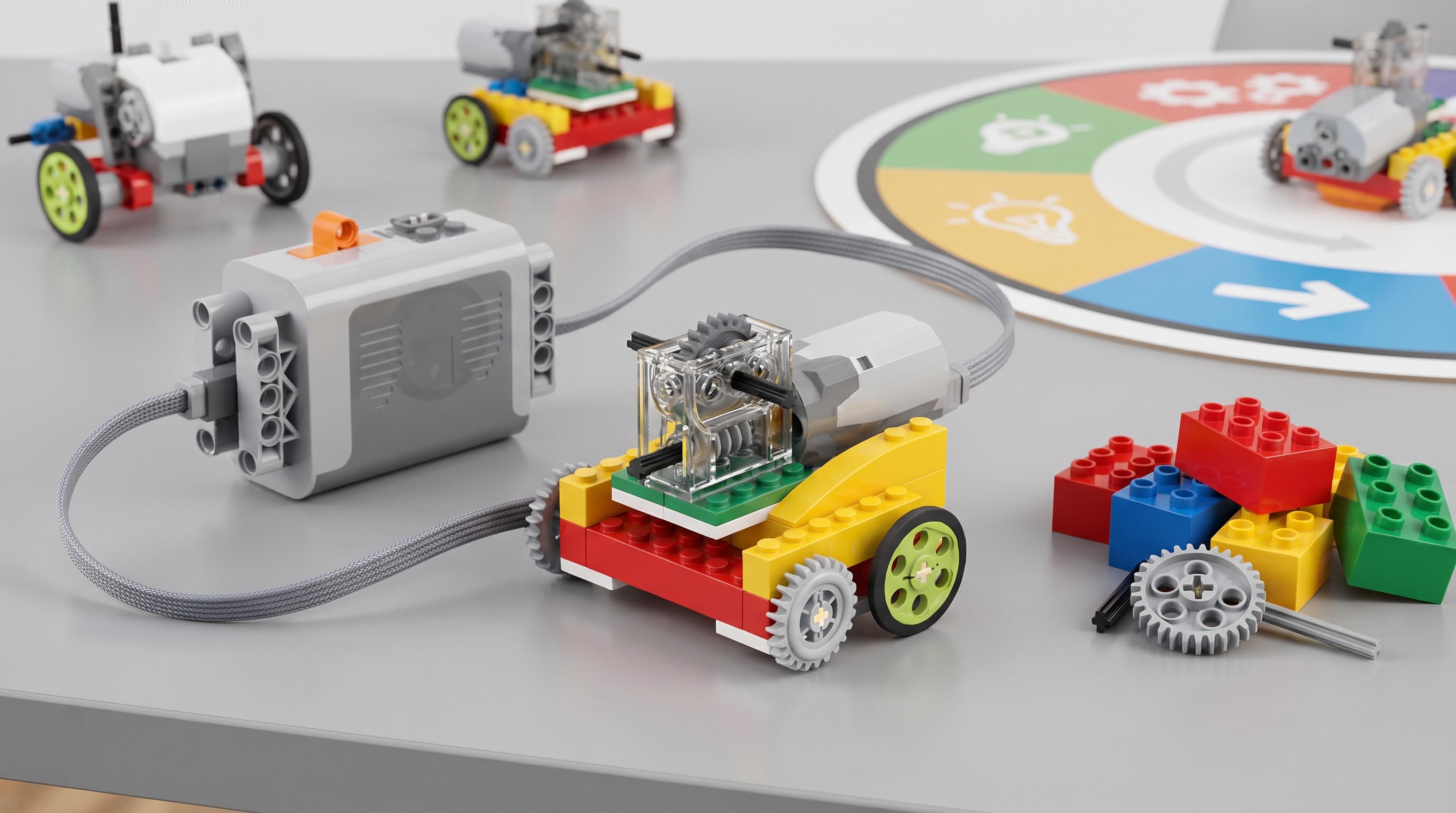


Week 1
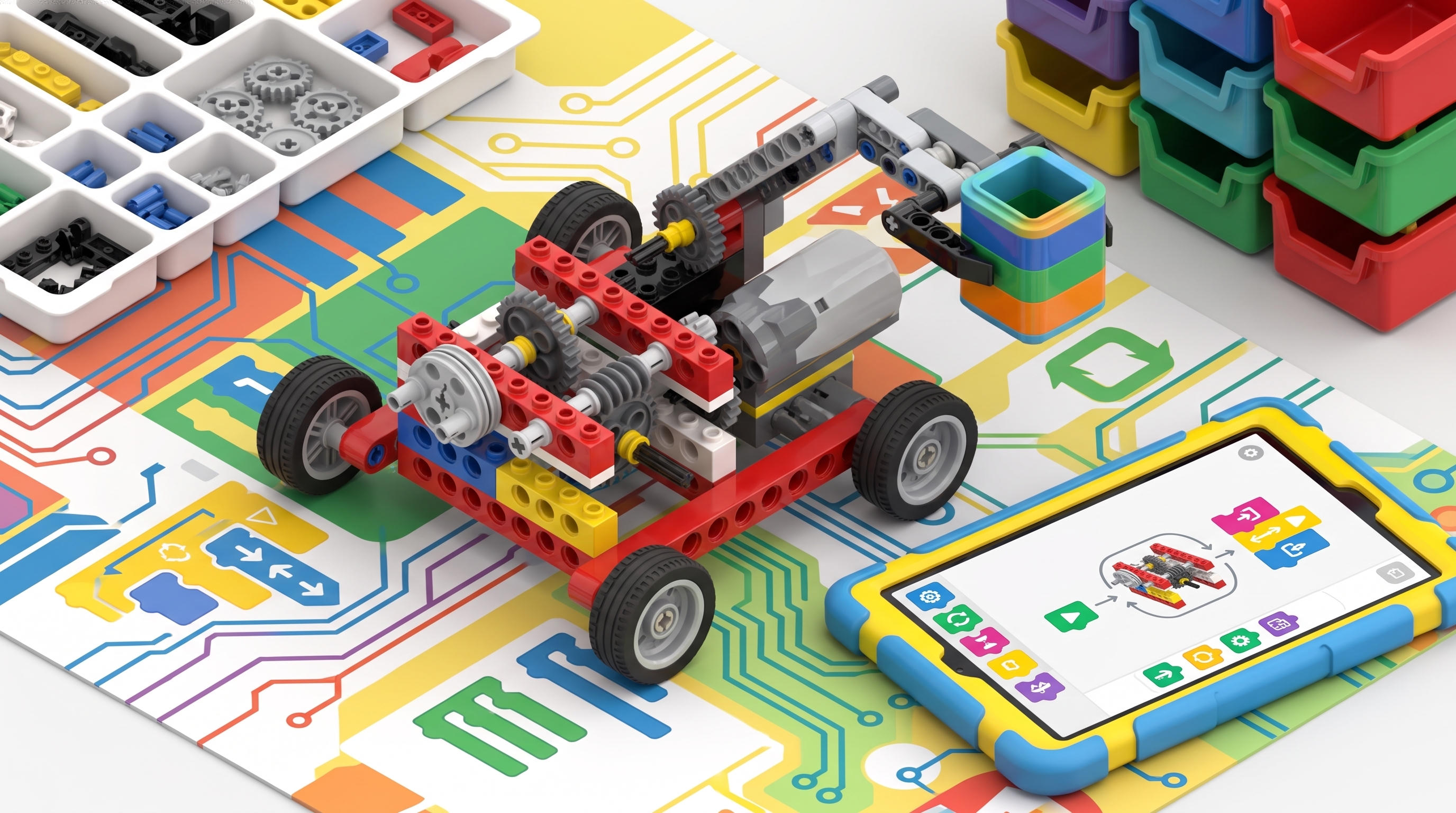
Motor control (block coding)
First program: drive forward for 3 seconds.
Coding with WeDo — bring machines to life.
This is a home/kit-based subscription you build together each week — not our in-centre term classes or workshops (those are booked via Events).
This program needs the STEM Educational Building Home Kit WeDo 2.0 Set No Box — $100.00 (sold separately).In stock View kit →
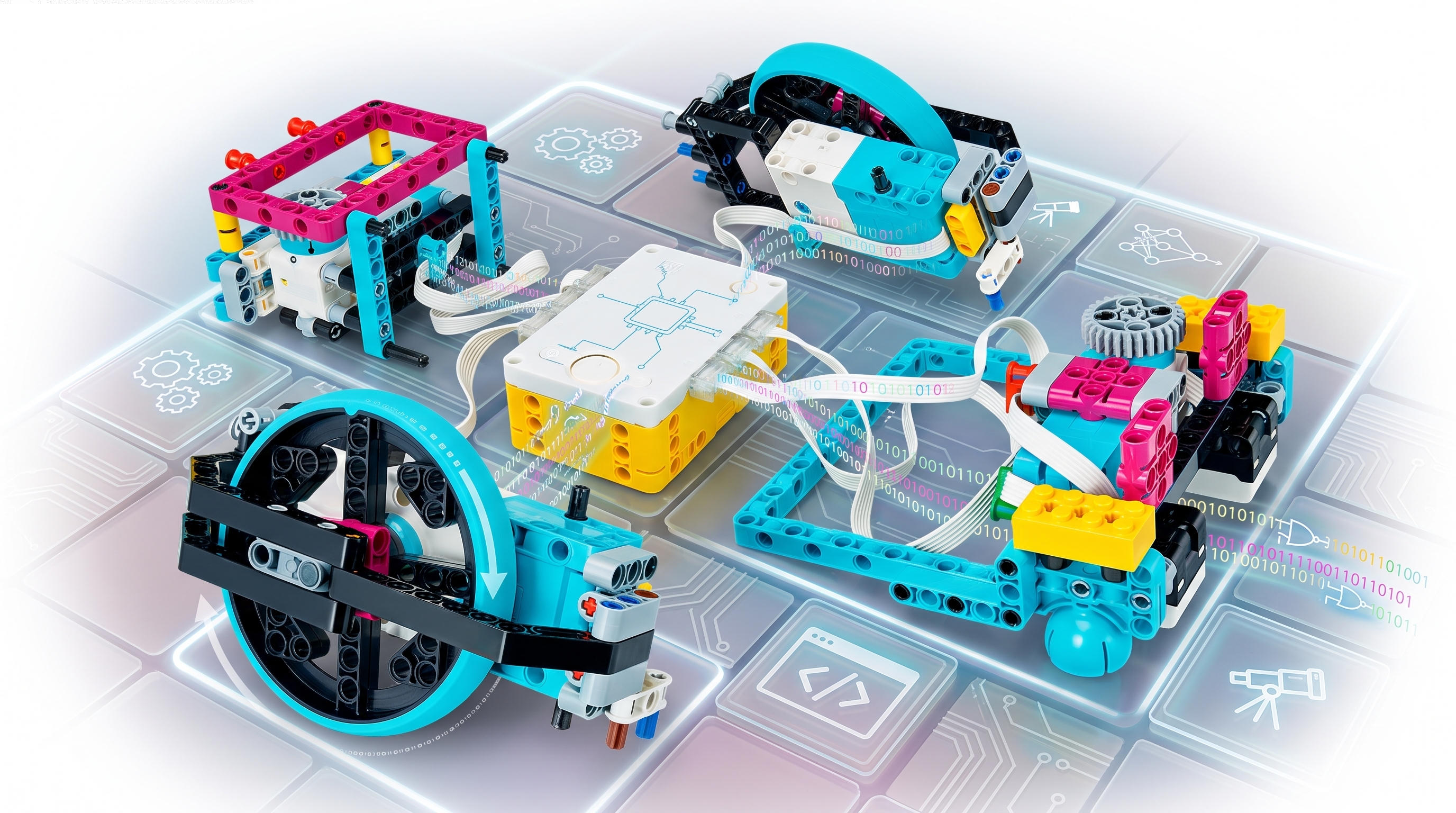
Robo Pro layers block-based programming on top of the engineering foundations. Students use graphical code to control motors, read sensors, and add real intelligence to their builds. It's the moment machines stop being toys and start becoming robots.
Enrol in the Home Program above, or if you'd rather learn in-centre, we run weekly term classes and holiday workshops too.
A concept-driven progression — every week unlocks a new STEM idea, with the exact builds refreshed each term.
First program: drive forward for 3 seconds.
Robots that detect obstacles and stop themselves.
Speed multiplication with staged gears + code.
Multiple motors coordinated in one program.
Program takeoff and landing via device orientation.
Slow, precise motion for load handling.
Self-driving demo — detect a precipice, stop, back away.
Design an original robot that solves a chosen mission.
Curriculum evolves each term — example builds shown; your child's exact models rotate to keep every term fresh.
A cross-section of the 60+ full curriculum — with the exact mechanism each build teaches.
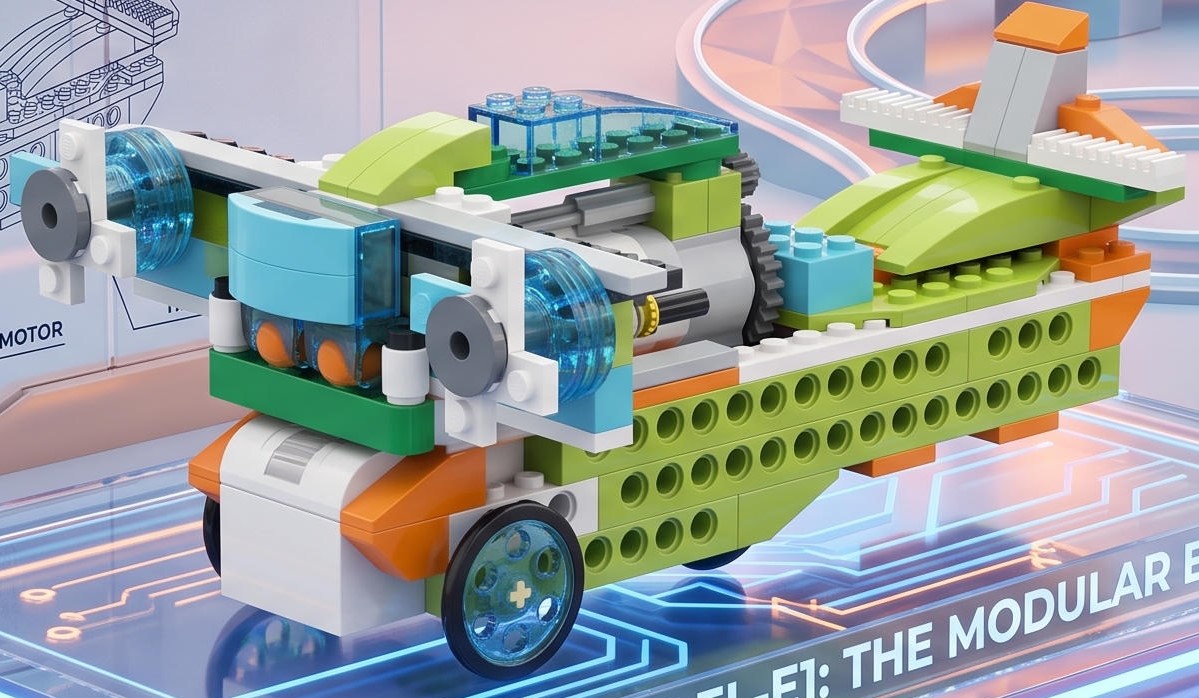
The aircraft propellers are driven by cylindrical and belt drives. A tilt sensor sets the direction of rotation (takeoff or landing).
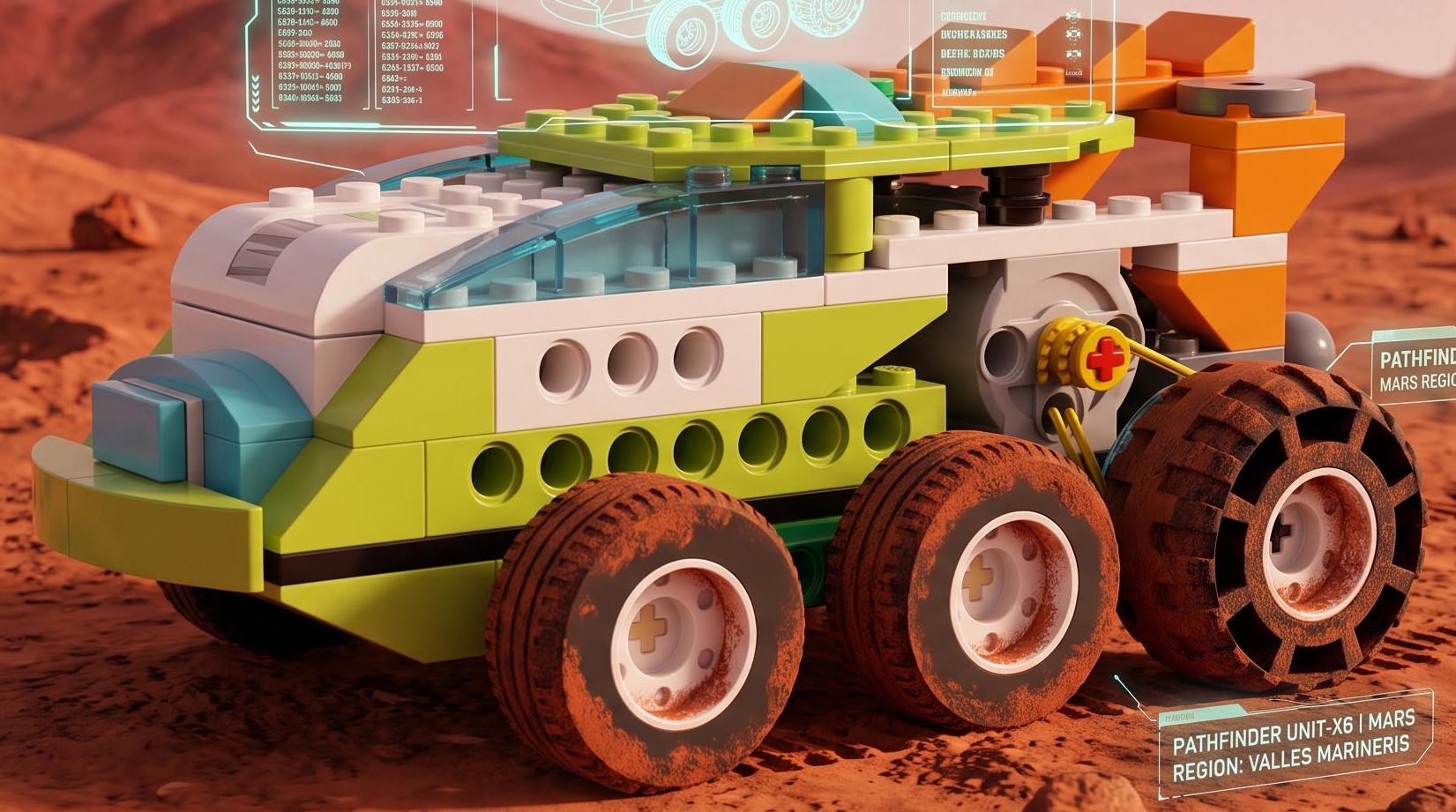
Movement occurs via a belt drive. For ease of control, movement can be configured using the keys.
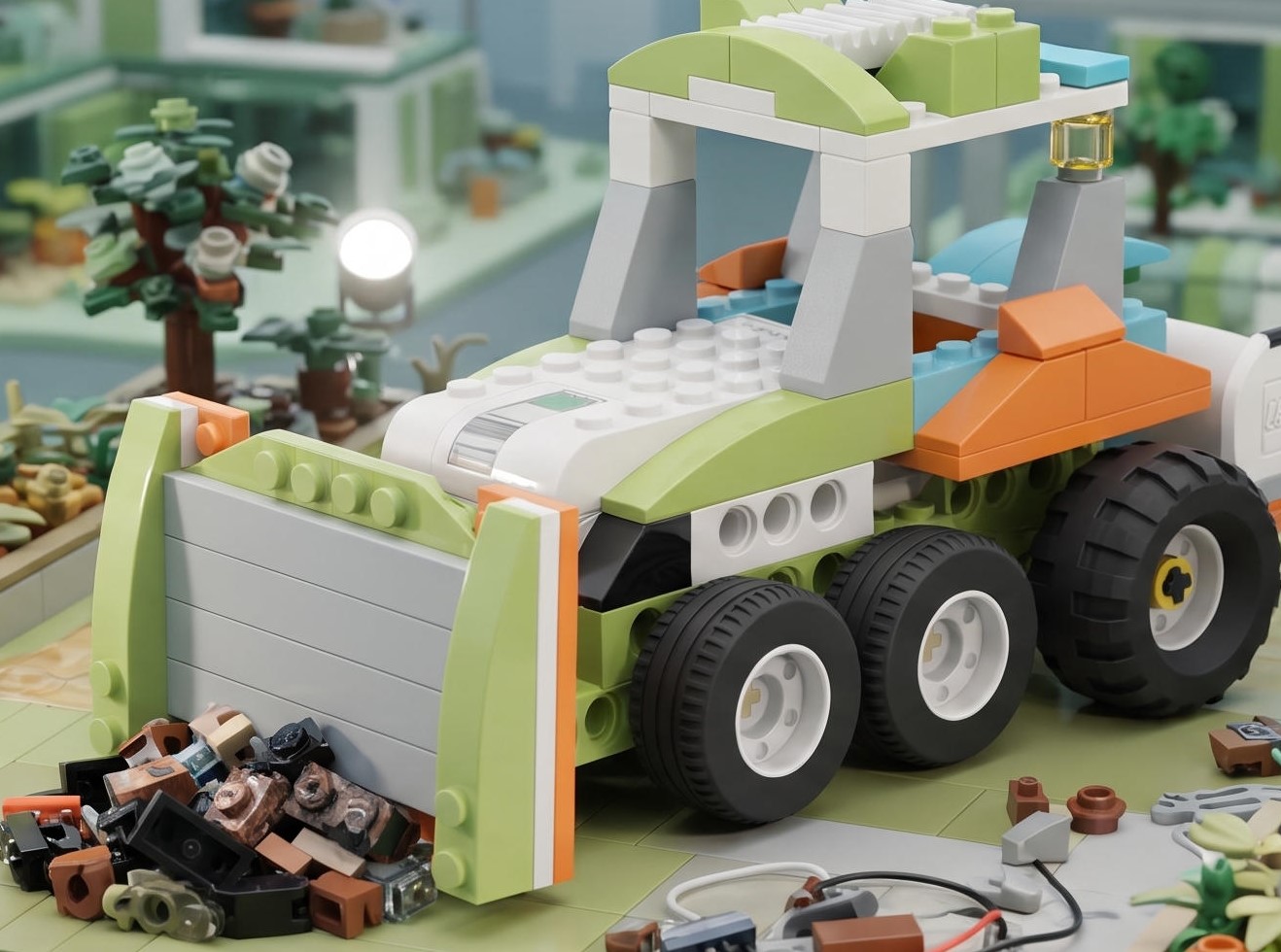
The drive is made on a spur gear. Thanks to the blade in the front, it can rake material into a pile.
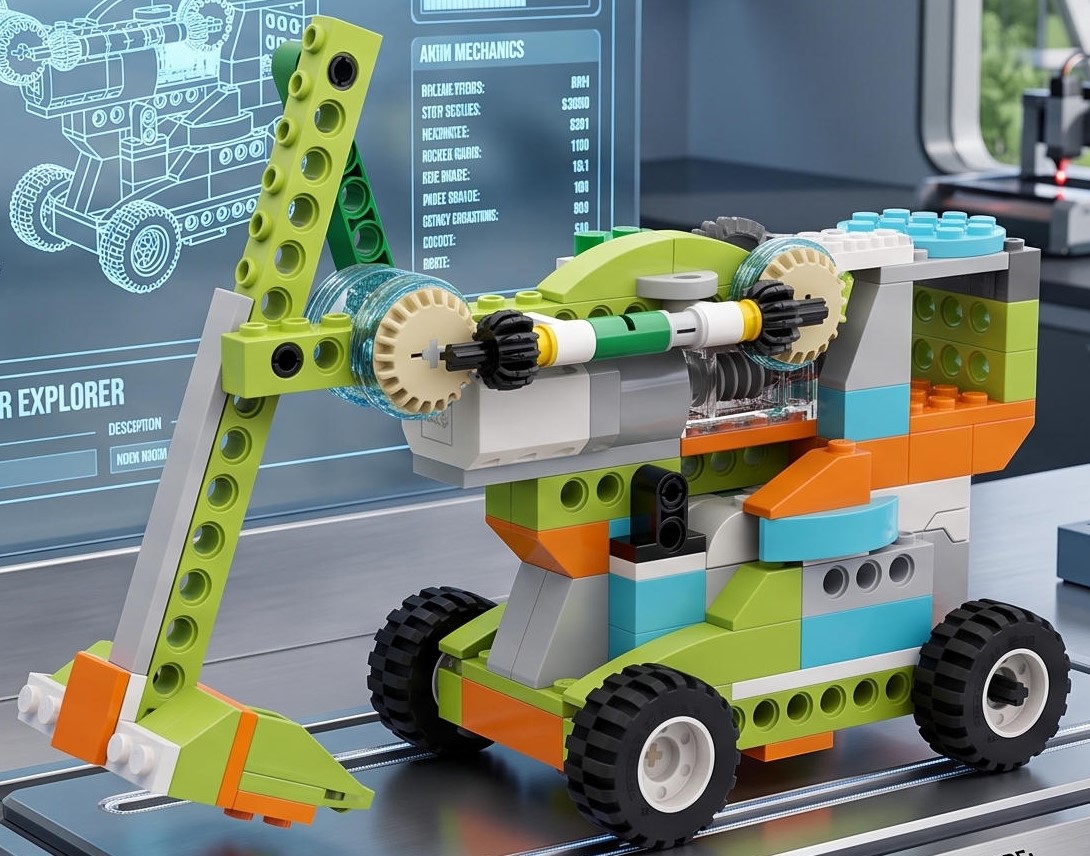
The excavator bucket drive uses a combination of a worm and two bevel mechanical gears.
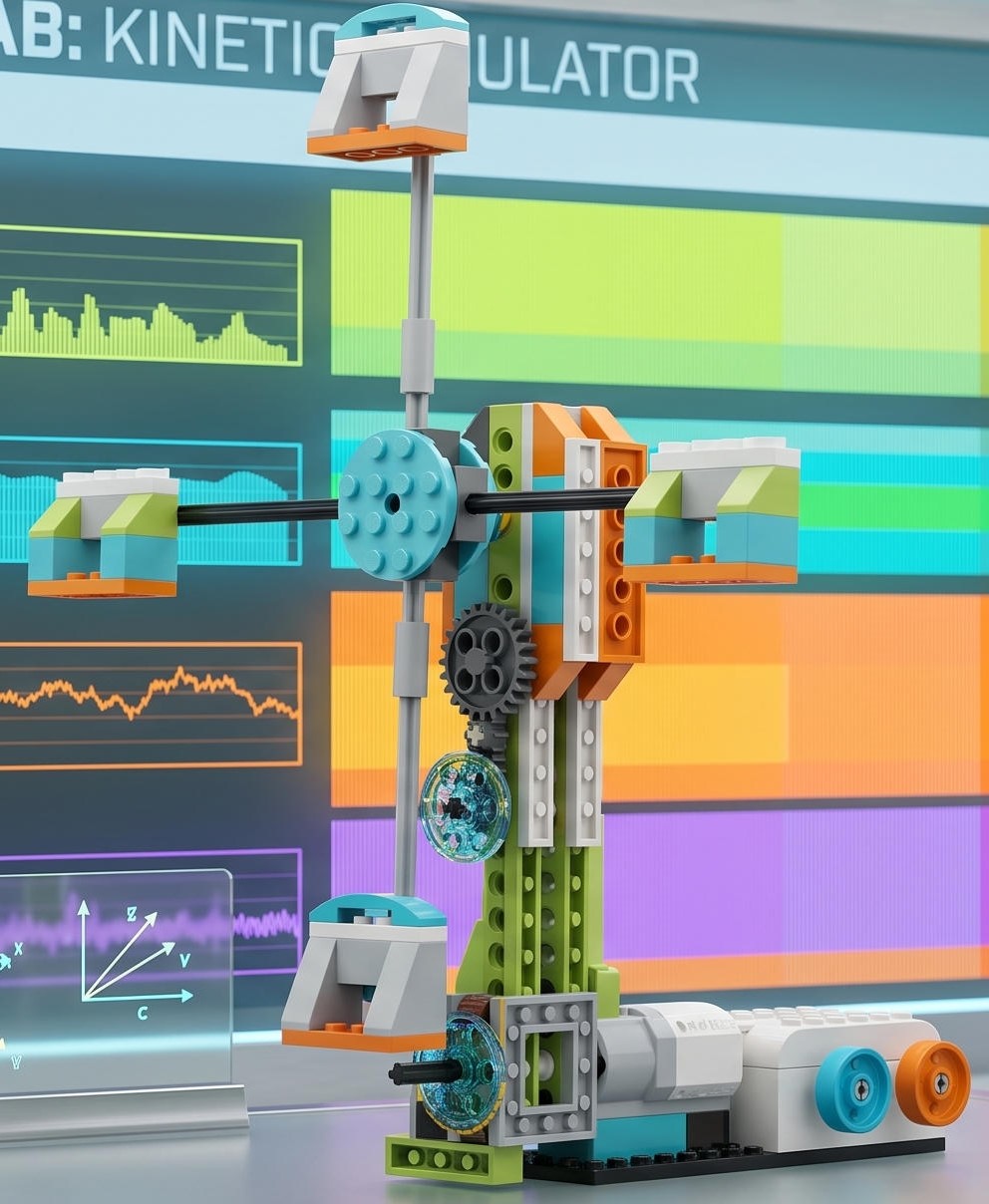
Rotation takes place through a combination of a cylindrical drive and two belt drives.
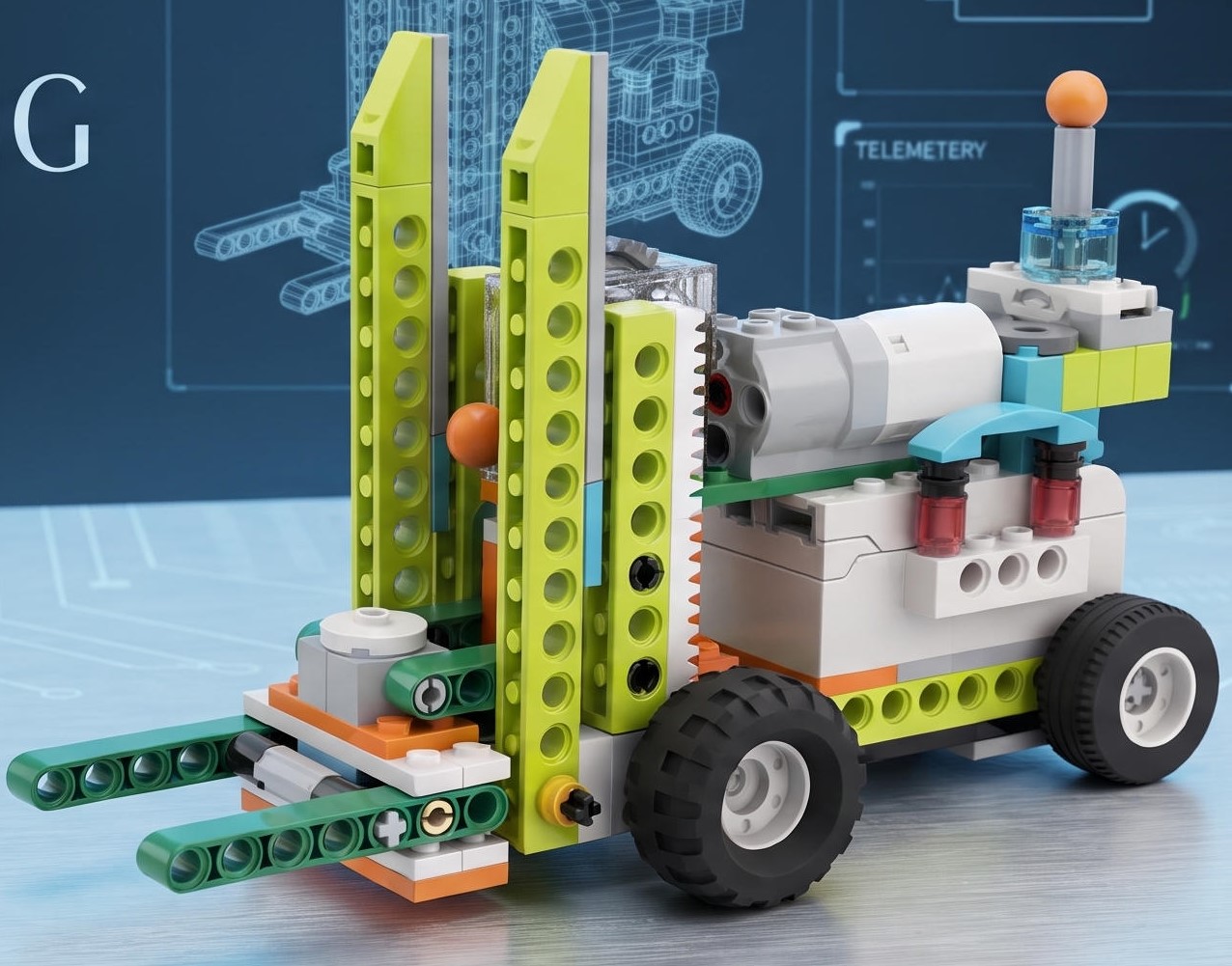
A combination of worm and rack-and-pinion gears is used.
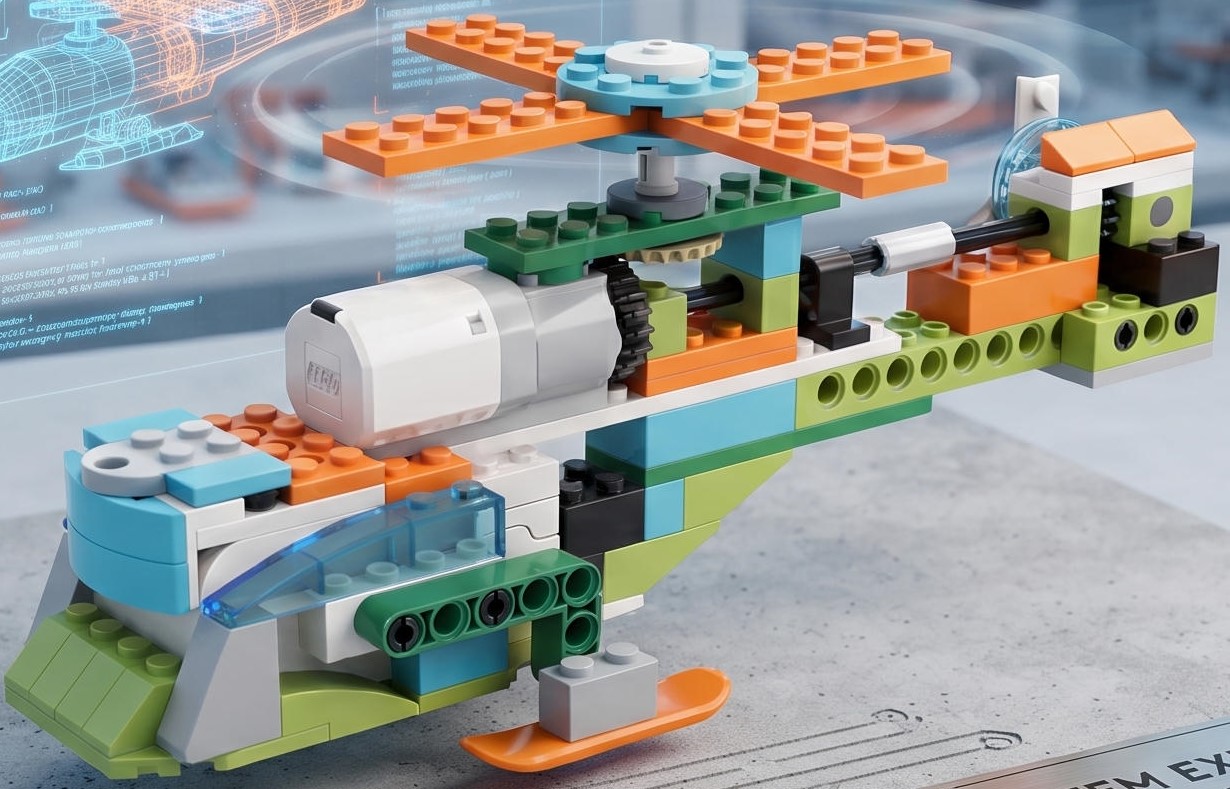
A bevel gear rotates the main and auxiliary propellers of the helicopter.
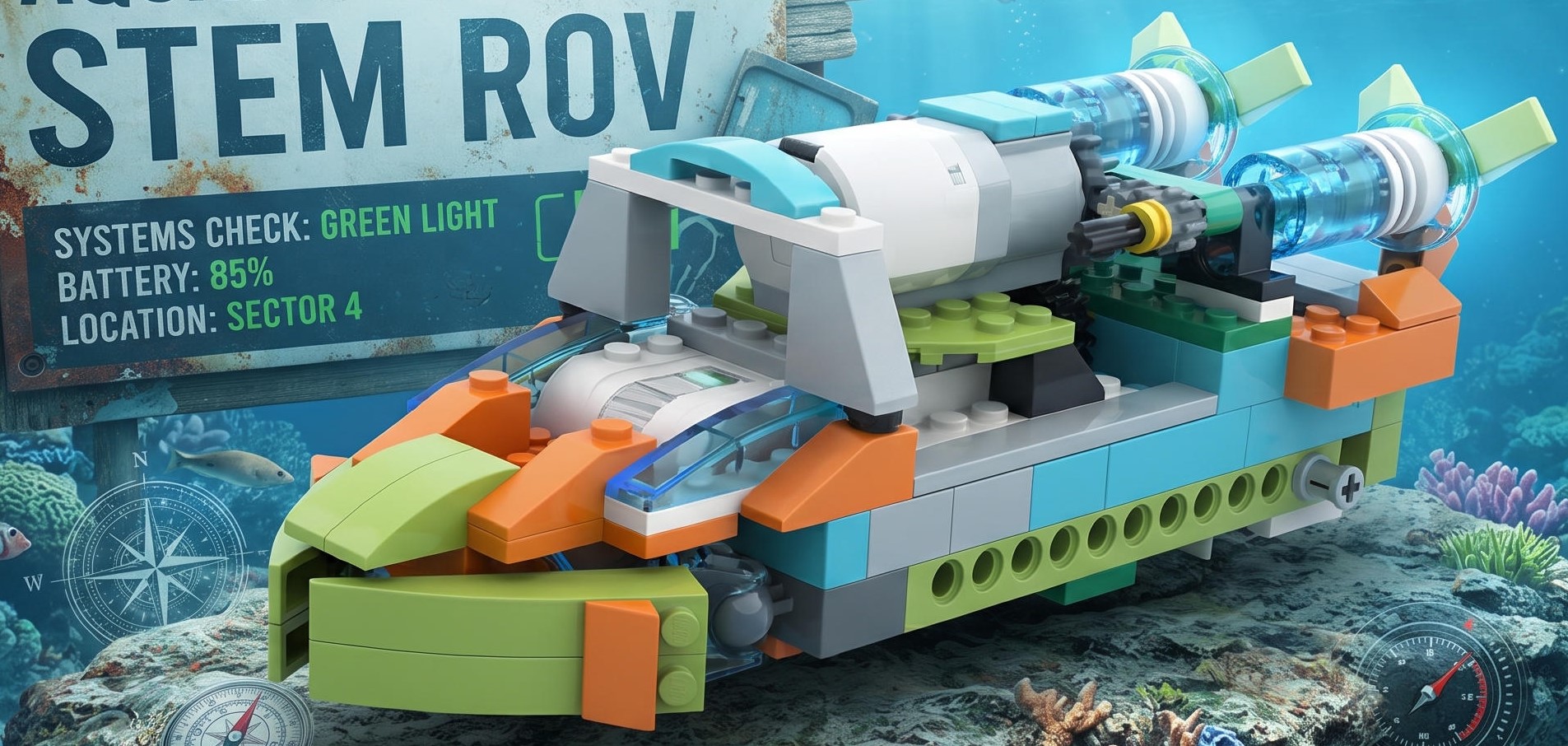
A combination of cylindrical and bevel gears powers movement; a cylindrical gear also rotates the propellers at the rear.
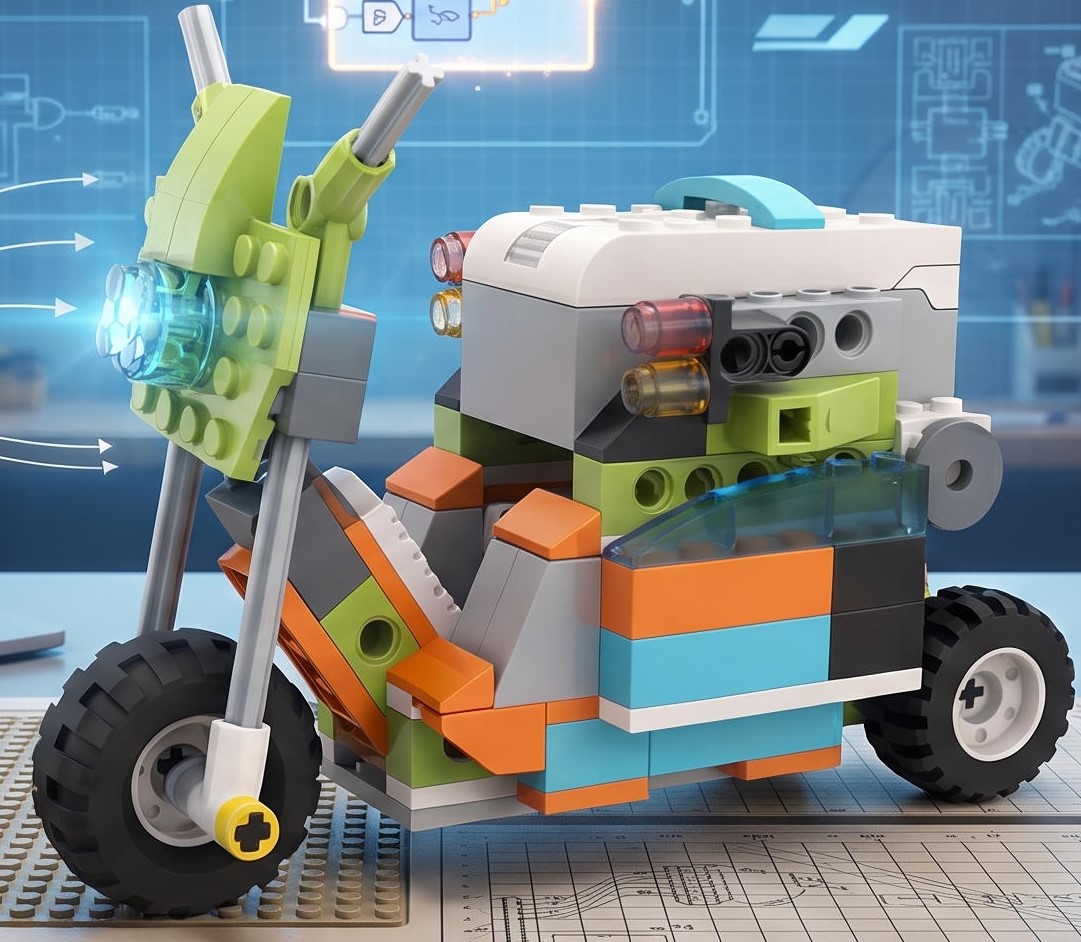
The drive is made on a bevel gear. The steering wheel can be turned.
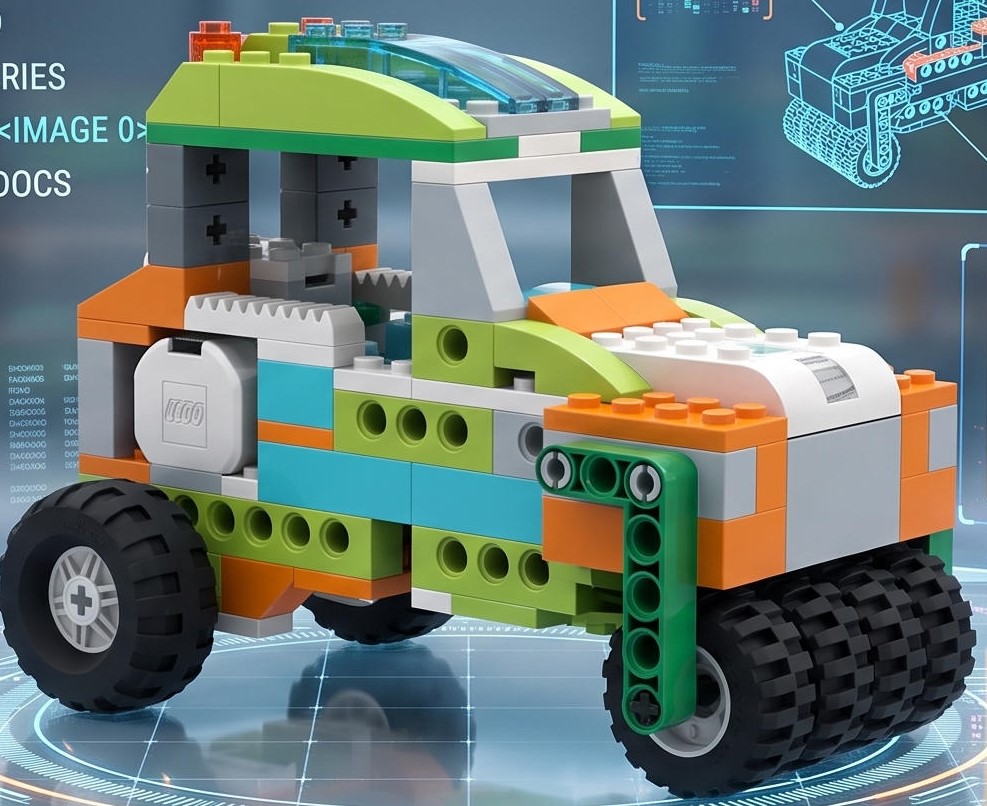
The drive is made on a belt drive. Start-up is configured by a signal from a distance sensor.
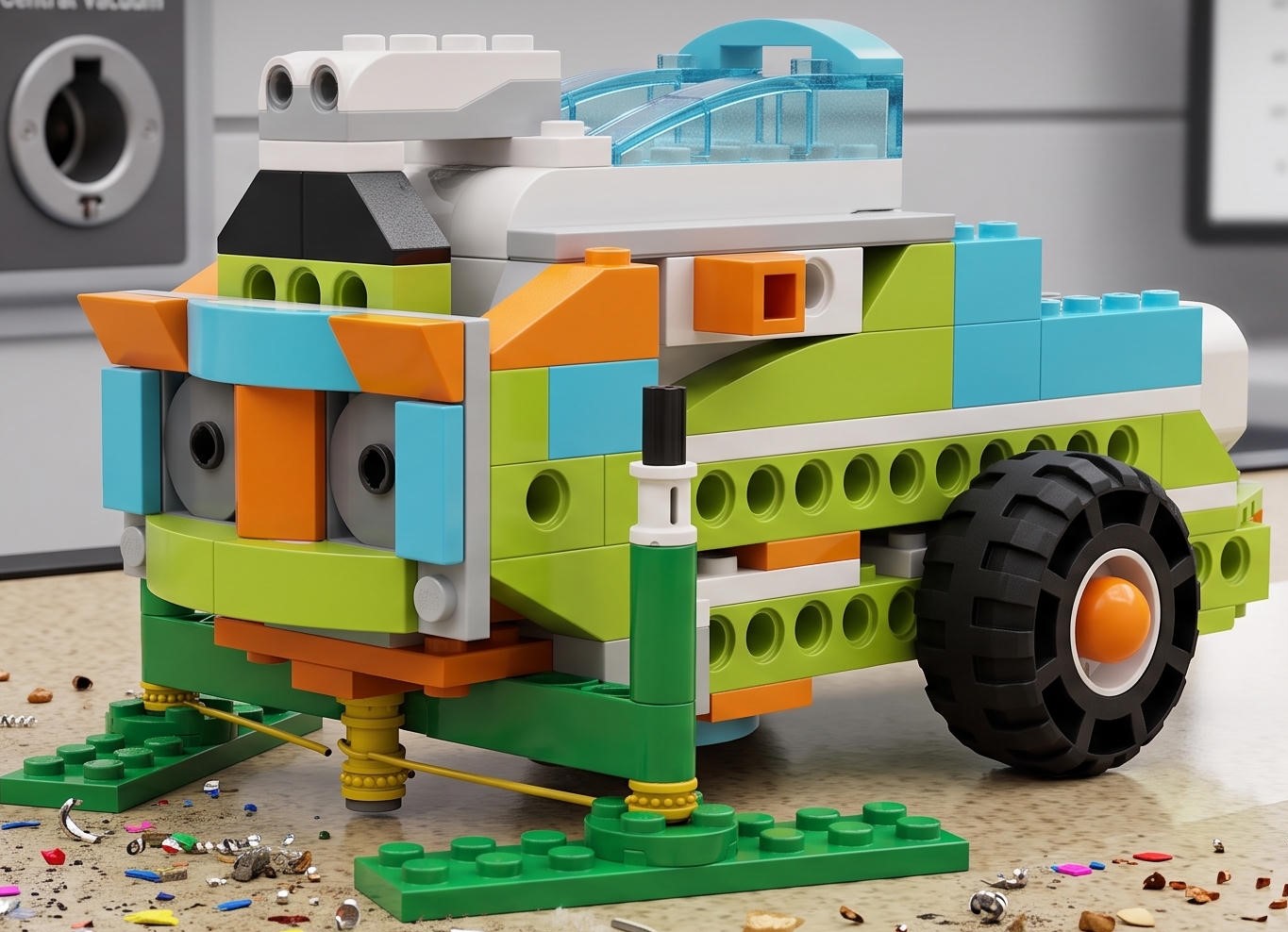
The drive combines spur and bevel gears; the brushes are driven by a belt drive.
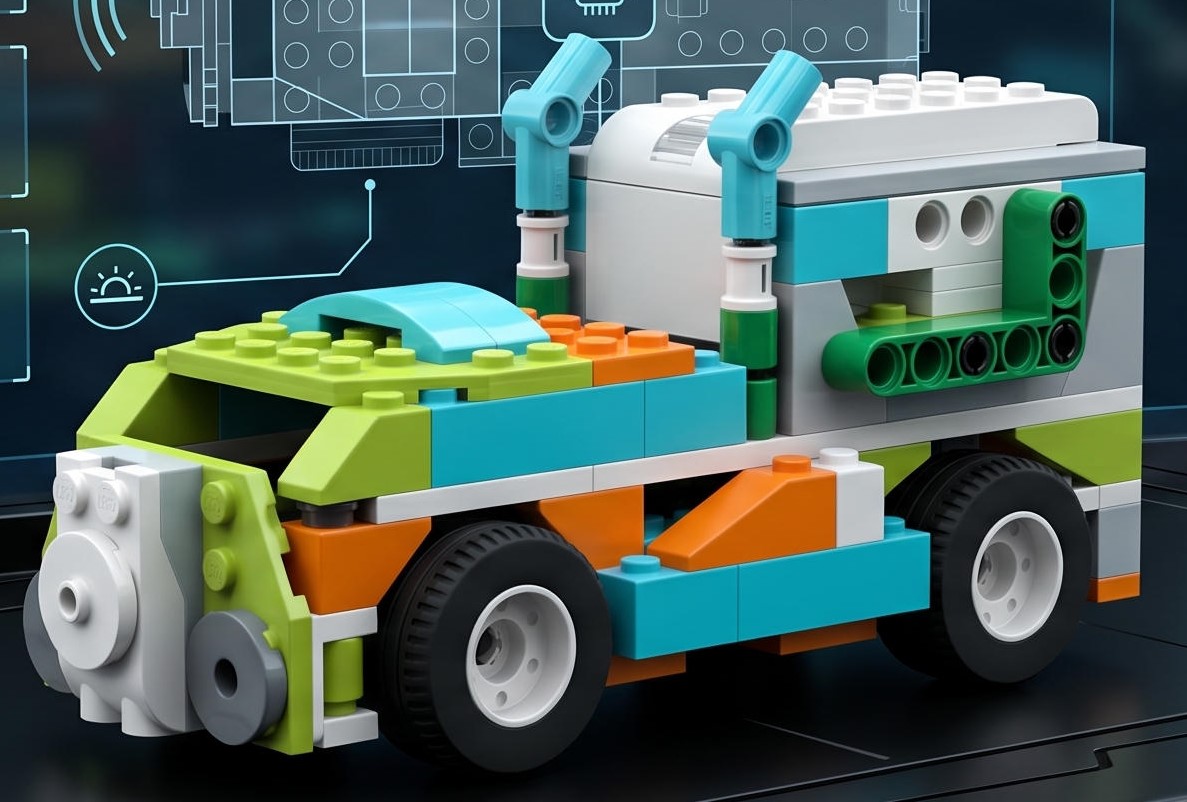
The drive combines spur and bevel gears. When moving, the car recognises the appearance of a precipice in its path.
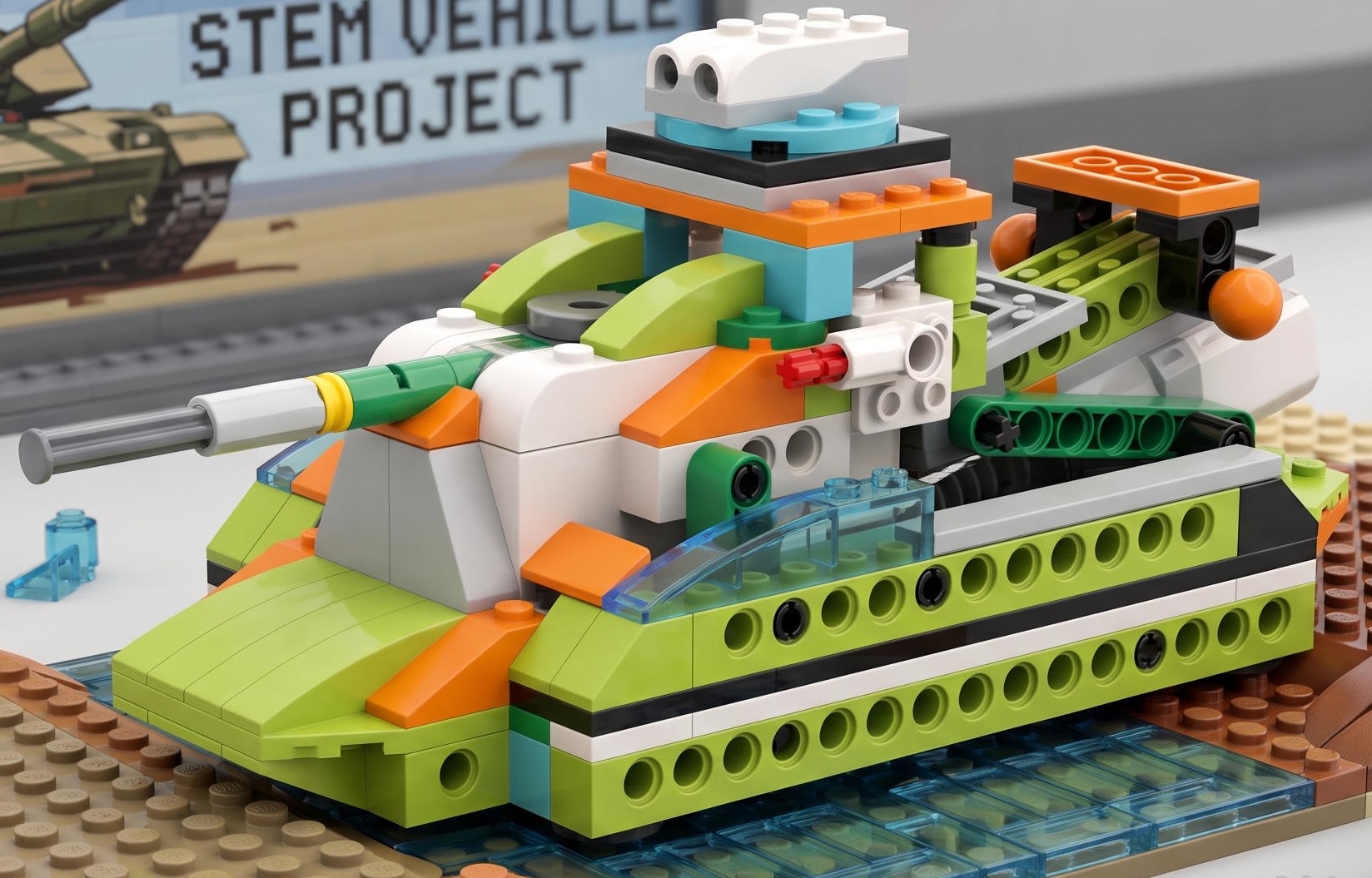
The tank is driven by a worm gear. A distance sensor is installed to detect obstacles.
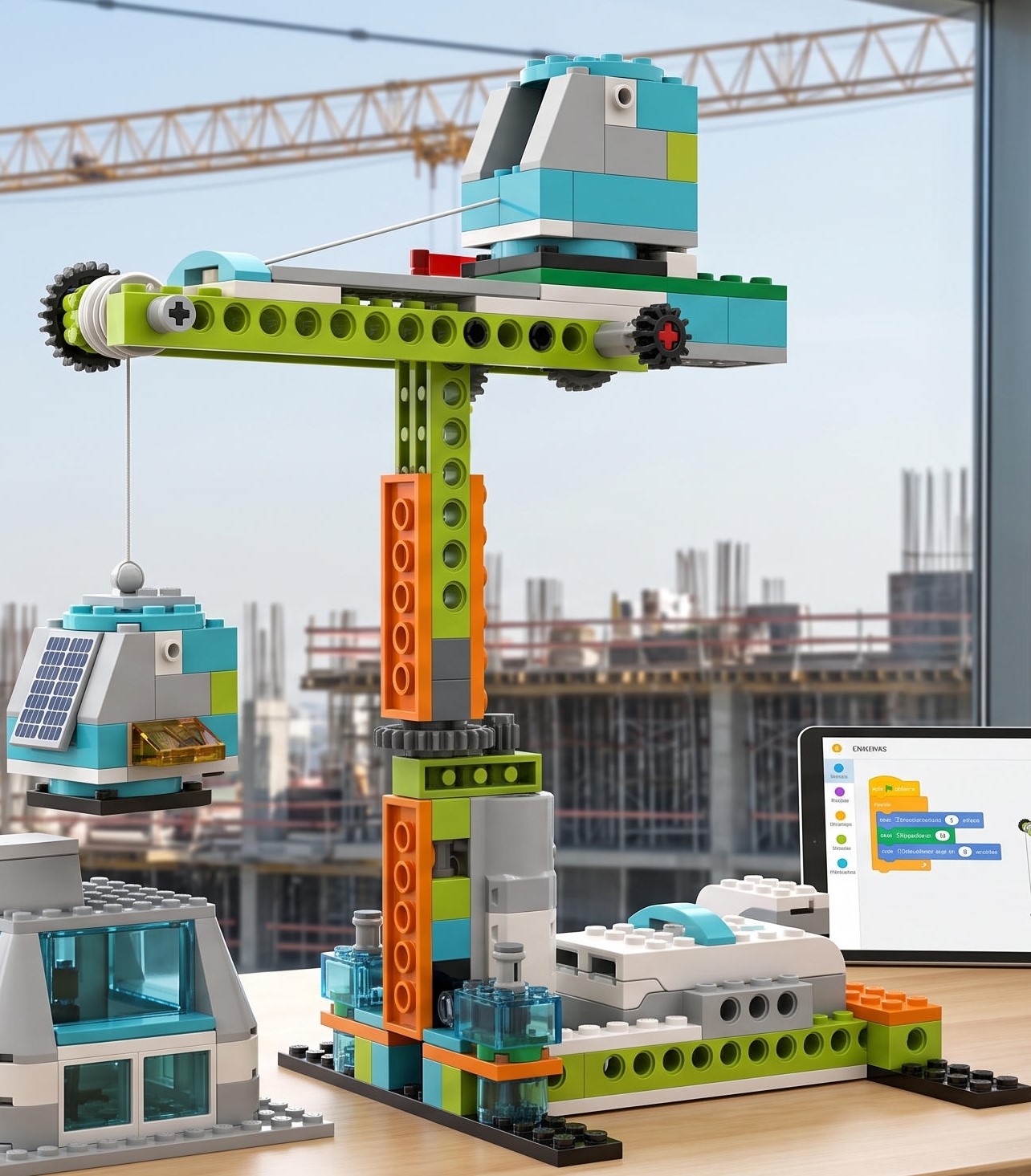
A drive on a cylindrical transmission; the crane boom rotates around its axis.
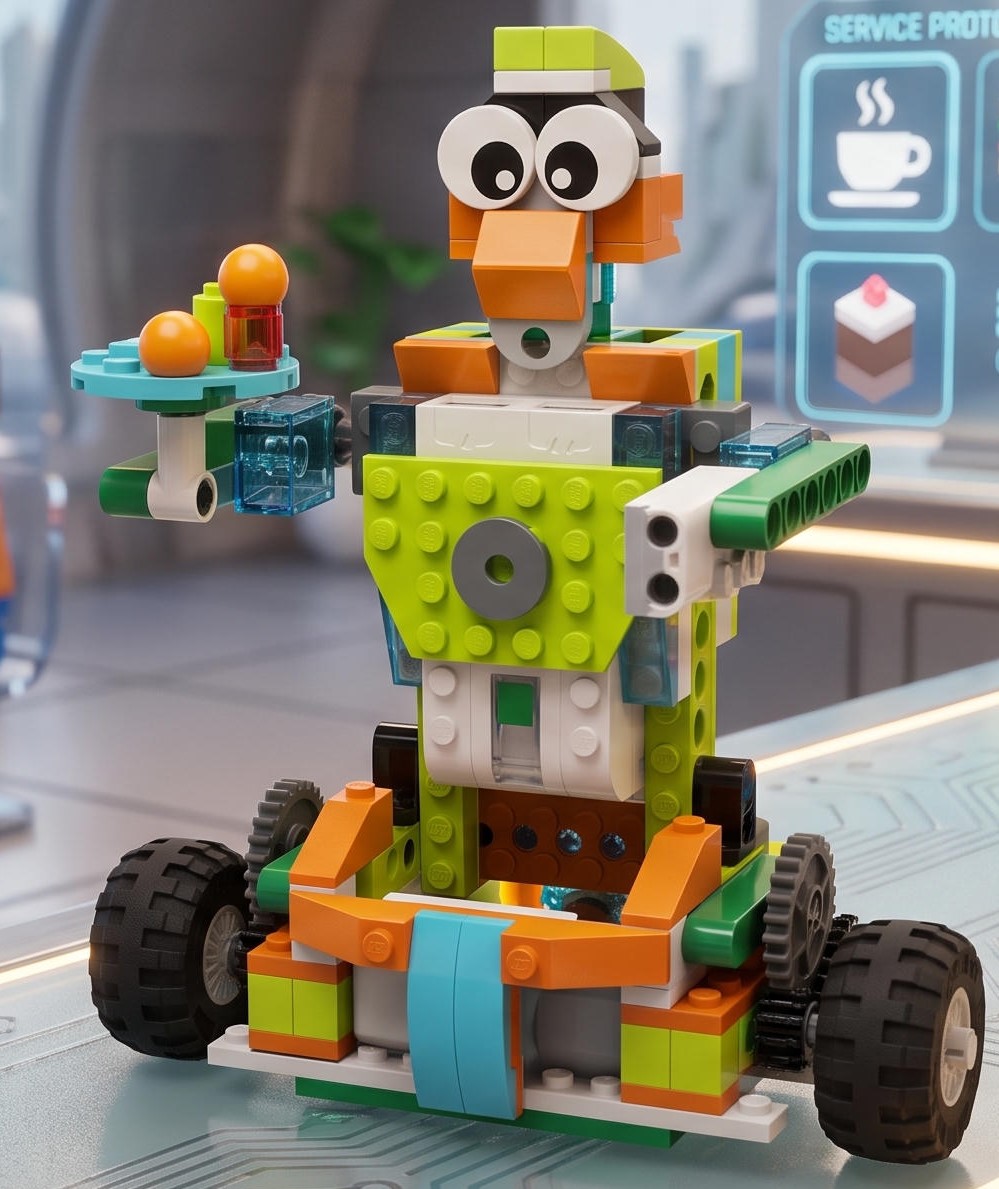
The model operates via a multi-link transmission system.
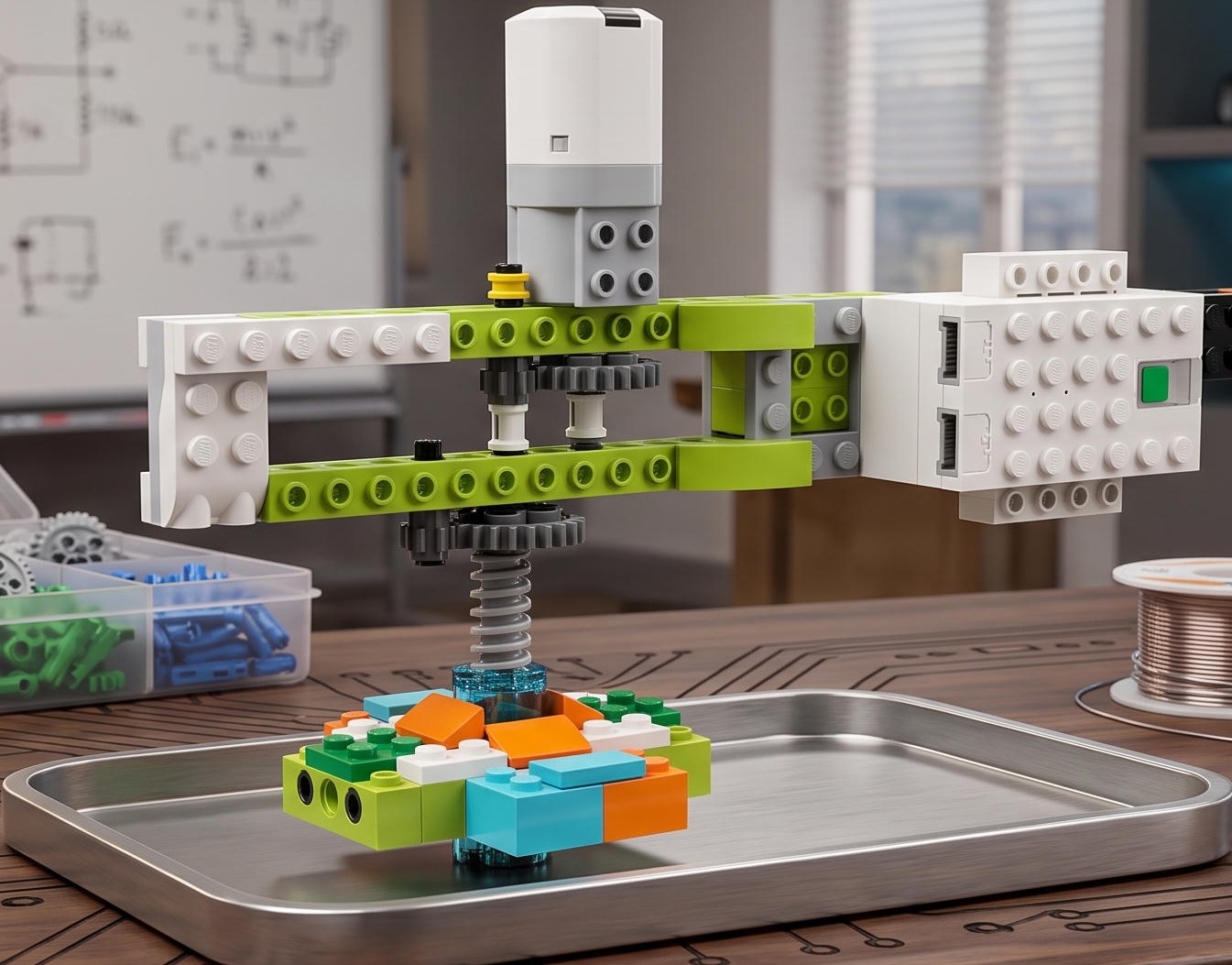
Due to a two-stage gearbox the speed increases, giving the initial rotation to the beyblade.